Trinus CBVR2.2.2
Publisher Description
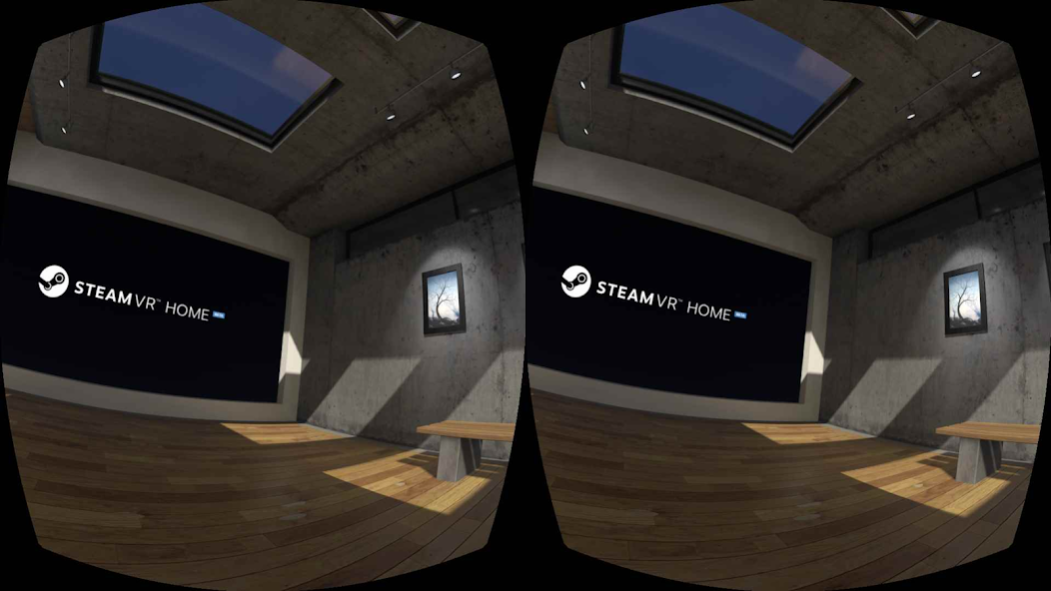
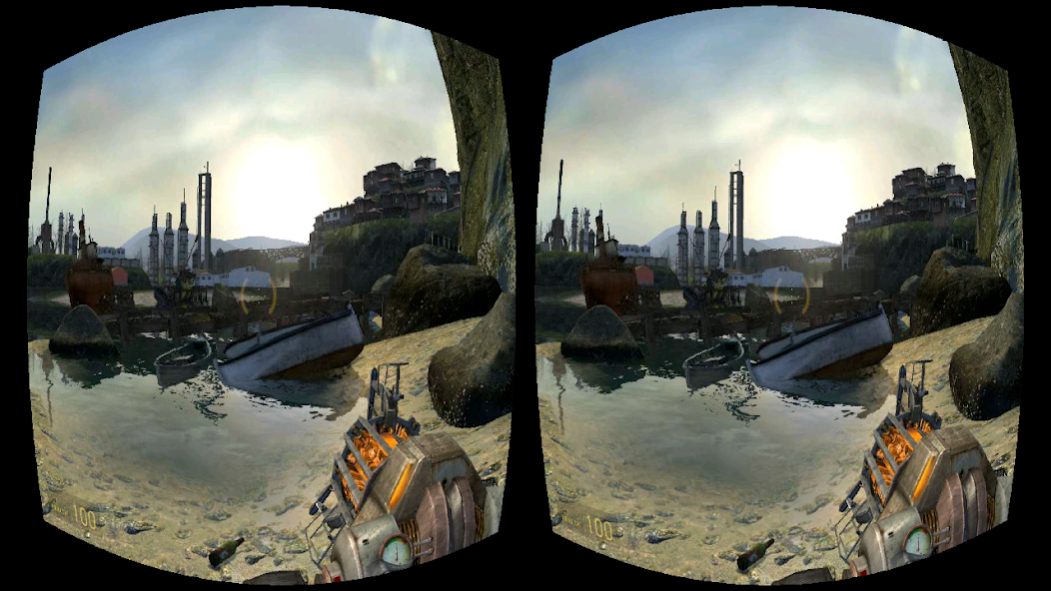
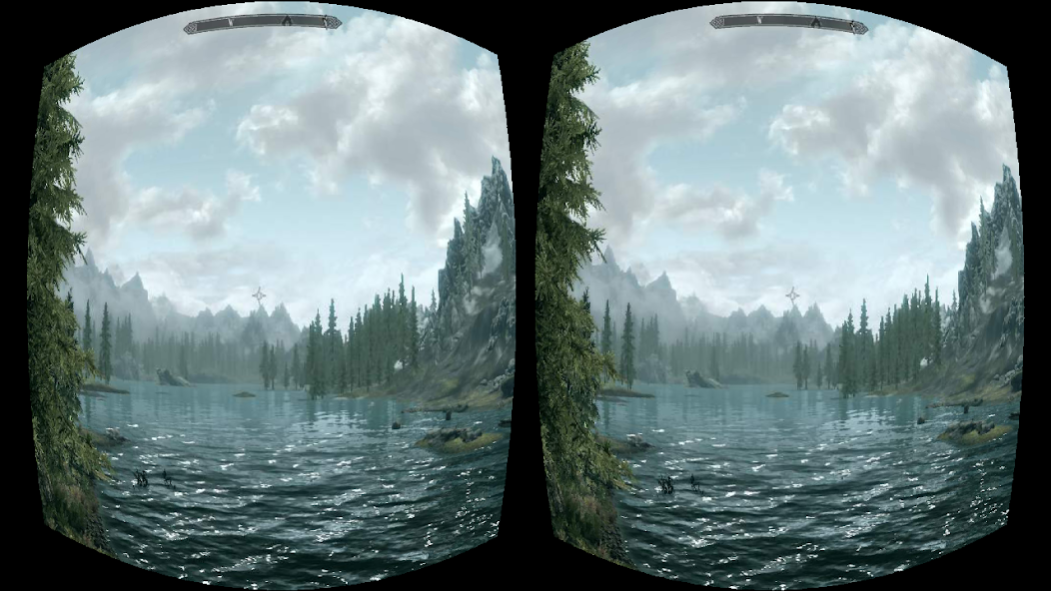
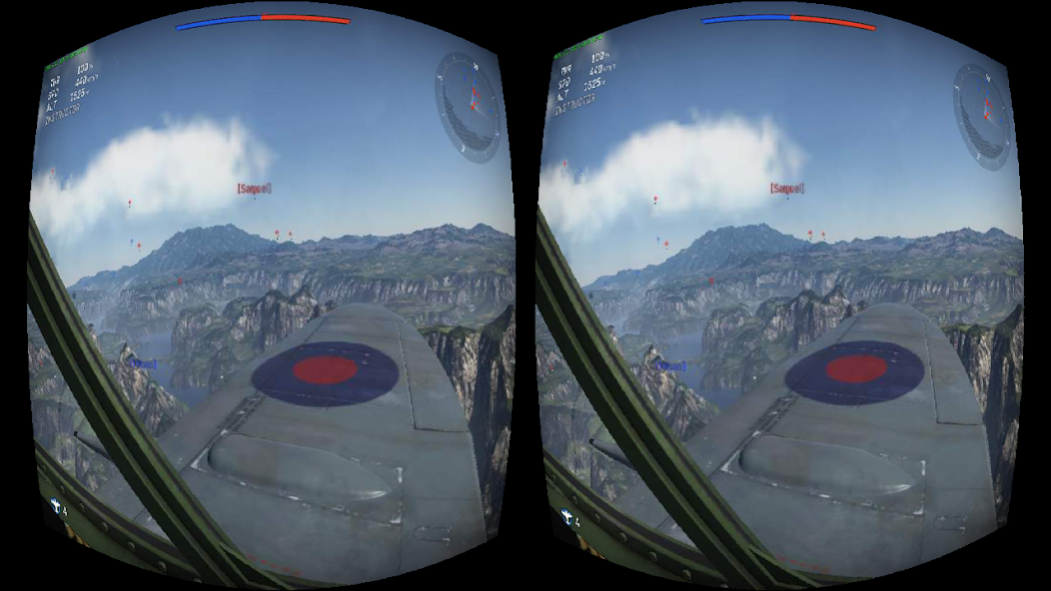
Play your favourite PC games in virtual reality without the expensive hardware.
★ Featured in Gizmodo, IGN, Microsoft Insider
★ Winner: ZEISS VR One App Contest
★ Over 1,000,000 downloads
► IMPORTANT
Please try Trinus Cardboard VR FREE version first. Despite lots of hard work there are still some systems that refuse to play nicely with Trinus! Thank you!
You can either purchase this paid app, or buy a Trinus PC license (via Trinus Purchase tab) at a discounted price (it will remove the time restriction on Trinus VR FREE).
► HOW IT WORKS
Trinus Cardboard VR connects your Android phone to your PC, so you can play your favourite PC games in virtual reality (VR). We use the sensors in your phone for head tracking to give you an awesome VR gaming experience with a wallet friendly price tag. So strap on your VR headset and enter the Trinus!
► FEATURES
★ Works with all PC games including GTA, Elite Dangerous and Minecraft.
★ SteamVR support (for games without VR controllers).
★ Compatible with all headsets including Google Cardboard, Homido, FreeFly, VR One, GearVR, Durovis Dive.
★ Wireless gameplay (or turbocharge performance with USB connection).
★ Unlimited VR gameplay
► WHAT YOU NEED
• Headmount of choice (e.g. Google Cardboard, Homido, Freefly, VR One, etc.)
• Your Android phone (mid to high end device with gyroscope)
• Your Windows PC
• Free Trinus Cardboard VR PC Server application
► GETTING STARTED
Step 1: On your Android phone download the TrinusVR app.
Step 2: Grab the free Trinus Cardboard VR PC app: https://www.trinusvirtualreality.com/trinus-cardboard
Step 3: Follow the super simple Setup Guide.
Step 4: Strap on your headset and start playing!
► NEED SOME HELP?
• Pop along to the forum: http://oddsheepgames.com/?page_id=208
• Shoot an email: support@trinusvr.com
About Trinus CBVR
The company that develops Trinus CBVR is Odd Sheep. The latest version released by its developer is 2.2.2.
To install Trinus CBVR on your Android device, just click the green Continue To App button above to start the installation process. The app is listed on our website since 2020-01-03 and was downloaded 391 times. We have already checked if the download link is safe, however for your own protection we recommend that you scan the downloaded app with your antivirus. Your antivirus may detect the Trinus CBVR as malware as malware if the download link to com.loxai.trinus.full is broken.
How to install Trinus CBVR on your Android device:
- Click on the Continue To App button on our website. This will redirect you to Google Play.
- Once the Trinus CBVR is shown in the Google Play listing of your Android device, you can start its download and installation. Tap on the Install button located below the search bar and to the right of the app icon.
- A pop-up window with the permissions required by Trinus CBVR will be shown. Click on Accept to continue the process.
- Trinus CBVR will be downloaded onto your device, displaying a progress. Once the download completes, the installation will start and you'll get a notification after the installation is finished.
Program Details
System requirements
Download information
Pricing
Version History
version 2.2.2
posted on 2020-01-04
Bug fixes
version 2.2.0
posted on 2018-10-09
Trinus VR is now Trinus Cardboard VR
version 2.0.8
posted on 2016-12-14
Fixed reset view
